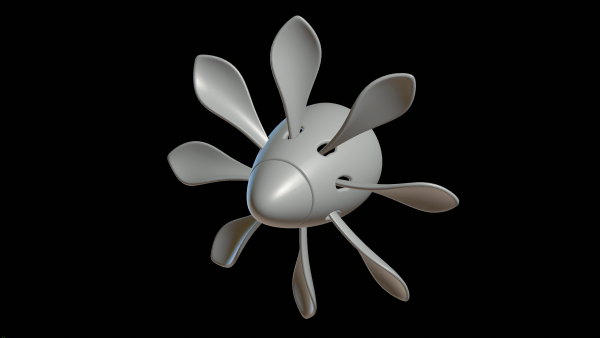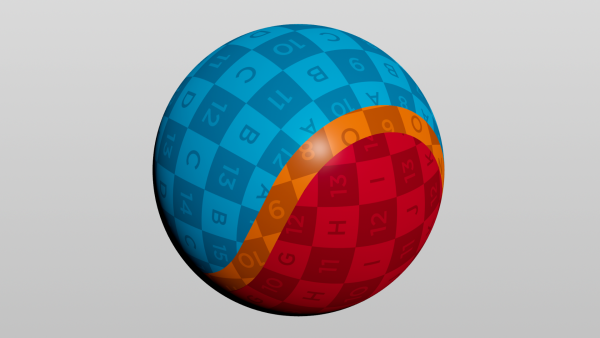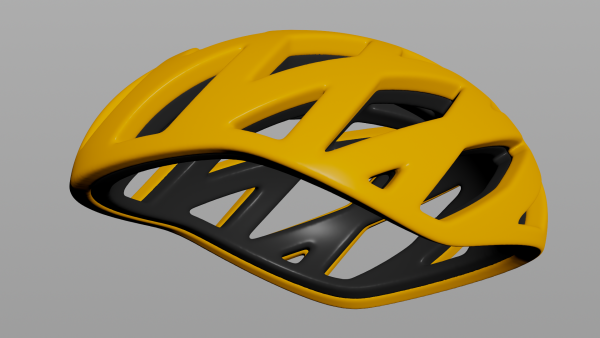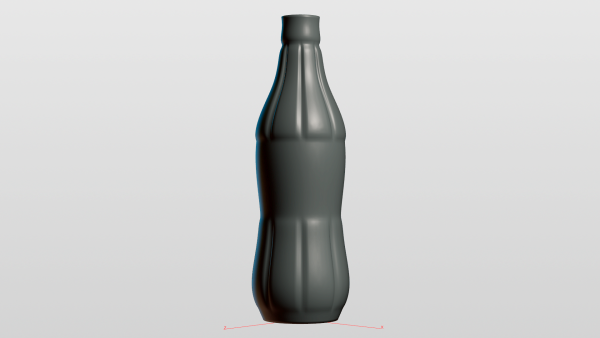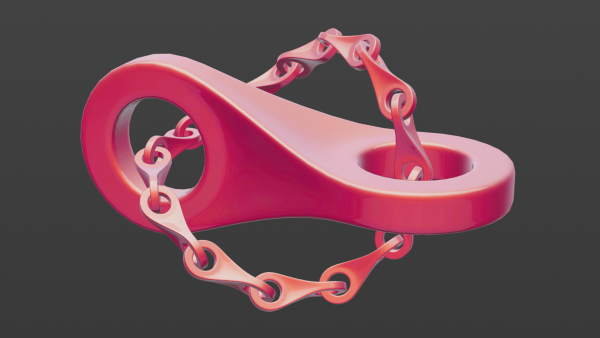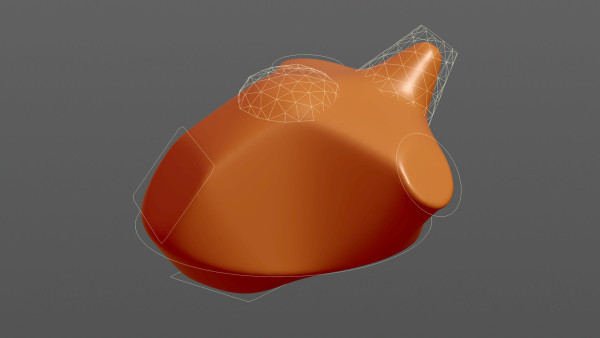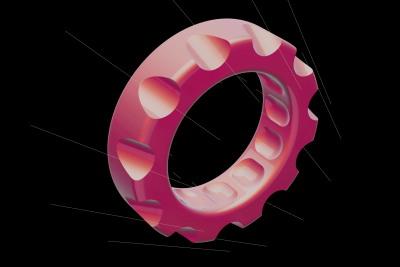
This method creates indentions on surfaces by cutting meshes and displacing points. While it does not replace the boolean node by any means, it performs fast even on meshes with high resolution and remains the mesh's topology.
A regular mesh with a prepended rest node (input 0) gets opposed to line segments (input 1) in a point wrangle. We store the closest position on the lines, the distance from this position to the surface and the normalized direction.
To prepare for cutting set the y position to a user-defined radius which is subtracted from the distance. We'll restore the original shape later using the rest node.
        float r = chf('radius');

v@pos = minpos(1, v@P);
float dist = distance(v@pos, v@P);
v@dir = normalize(v@P - v@pos);

v@P.y = dist - r;
f@radius = r;
A clip node is cutting along the distance threshold. It keeps all primitives with groups activated and is followed by a rest node to restore the rest positions. A point wrangle which primitive group is set to below_plane sets the position to the closest position on the line segment and adds the direction vector plus the former radius. That way all nearby surface points get pushed away from the line segments.
v@P = v@pos + v@dir * f@radius;