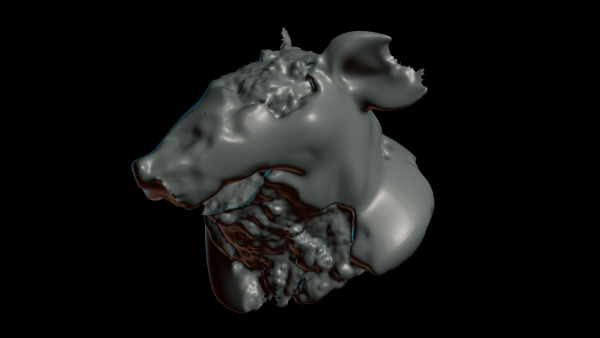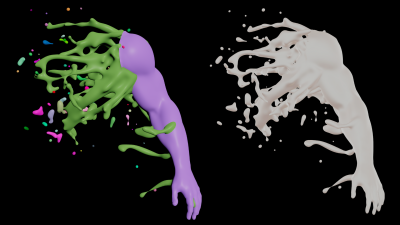
Creating liquid splashes from trailing points through curl noise and blending it with the base mesh.
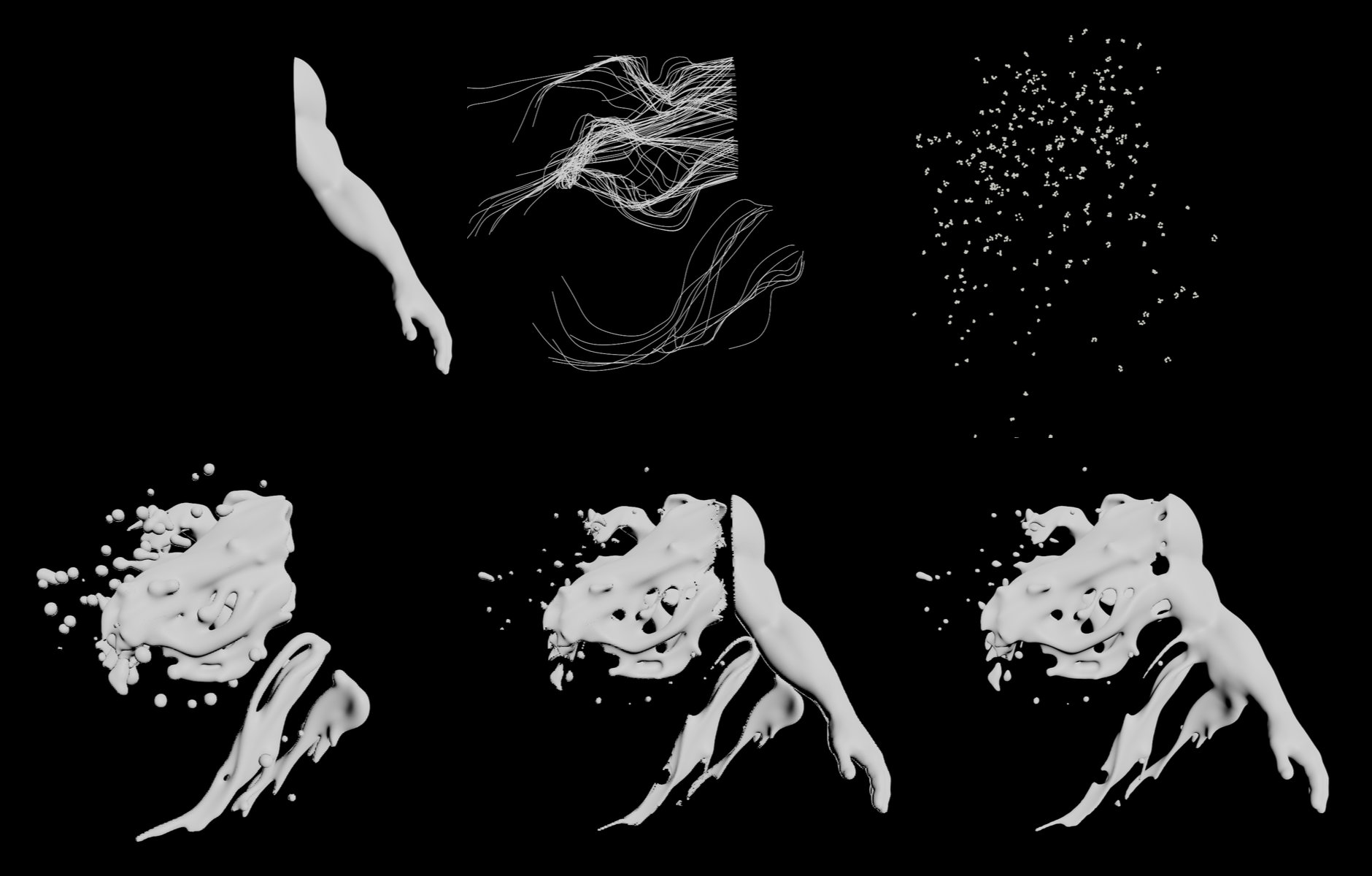
In order to liquify part of a mesh, we scatter a few points at the cutting area and some other random surface locations for more variety.
Next we'll guide these points through a curl noise field and trace them to get curves.
On the resulting curves we scatter, jitter and replicate a few more points to mimic droplets.
The curves' lengths will be remapped into point scale values which will define the iso-surface's radius of a VDB volume.
Lastly we may want to blend the liquid with the left-over part of the inital mesh using a smooth minimum function and convert the surface back to a polygonal mesh.
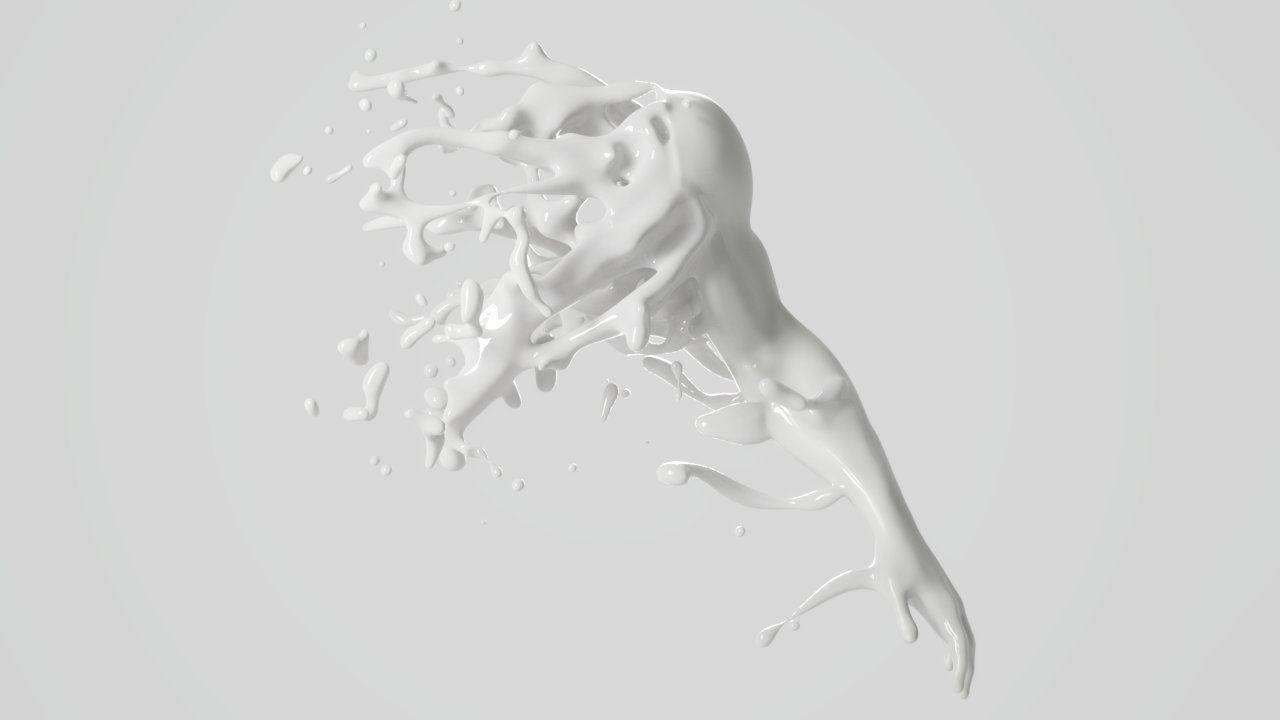
Rendering by Nelson Noa, https://www.instagram.com/nelsonnoa/