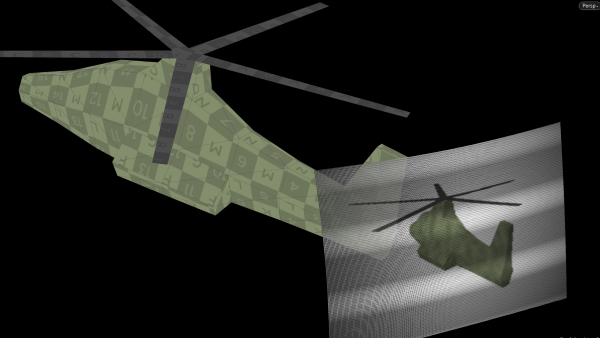
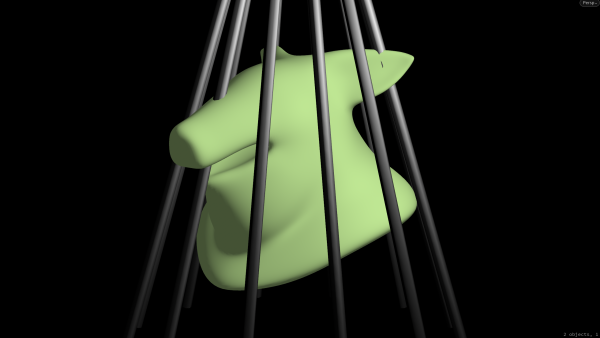
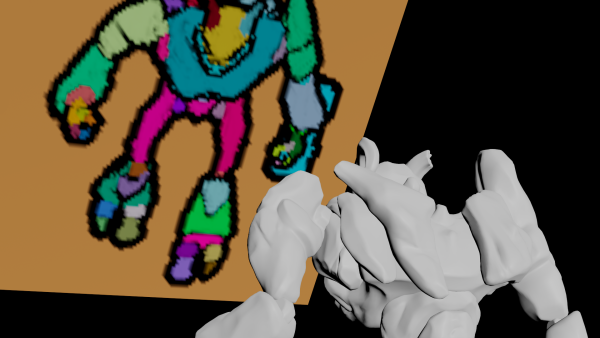
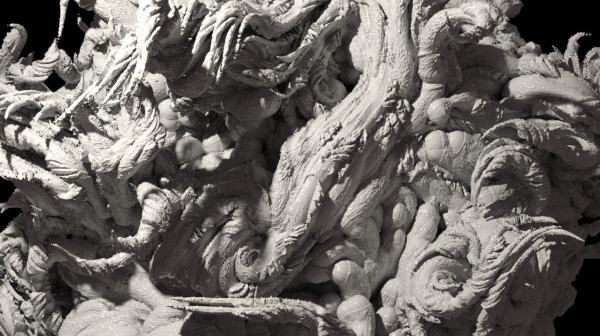
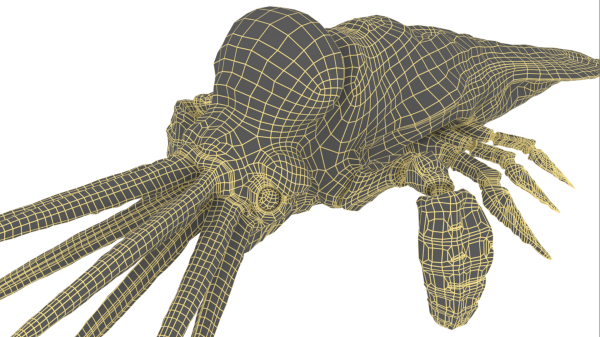
Basic raymarching code to travel into a 3D scene using xyzdist to measure the distance towards a mesh along a ray.
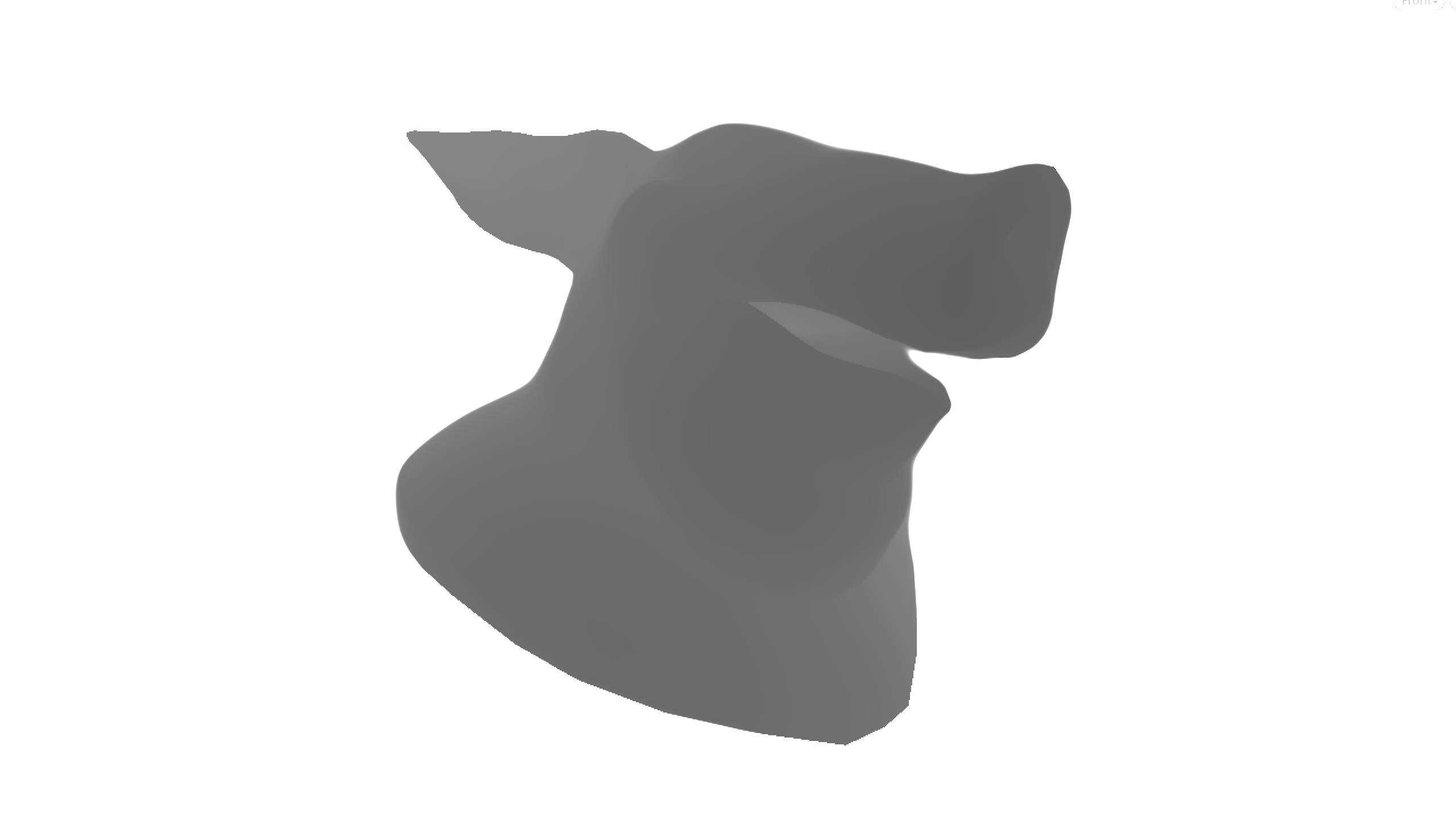
The code implements a simple ray marching algorithm to render a 3D scene. This technique takes a number of steps and a zoom factor as input.
The function then defines a utility map(p) that calculates the distance from a point p to the scene geometry. The rendering routine initializes a ray origin (orig) and direction (dir) and marches the ray along its direction, updating the ray position (p) and distance (dist) at each step. Ray marching terminates when either the distance reaches a minimum threshold (1e-3) or the ray travels a maximum distance (1e3). Finally, the rendering process calculates a value (a) based on the number of steps taken and uses this value to compute the color of the pixel.
        int steps = chi('steps');
float zoom = chf('zoom');

function float map(vector p) {
    return xyzdist(1, p);
}

vector uv = v@P;
vector orig = 0.0;
vector dir = normalize(set(uv[0], uv[1], -zoom));

int iter = 0;
float dist = 0.0;
for (int i = 0; i < steps; i++) {
    vector p = orig + dir * dist;       // position along the ray
    float d = map(p);                   // current distance to the scene
    dist += d;                          // "march" the ray
    iter++;
    if(d < 1e-3 || dist > 1e3) break;
}

float a = iter / float(steps);

vector depth_ray = set(a, 1.0 - a, 0.0);
vector depth_dist = vector(dist * 0.2);

v@C = depth_ray;
//v@C = depth_dist;