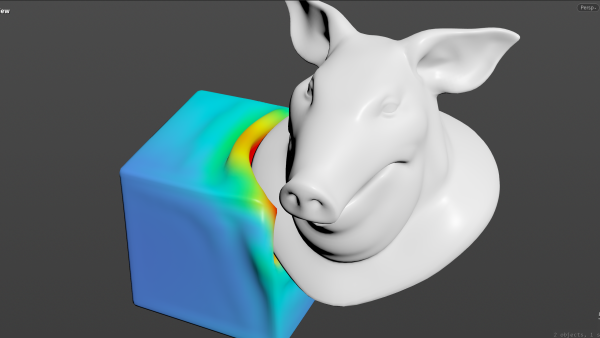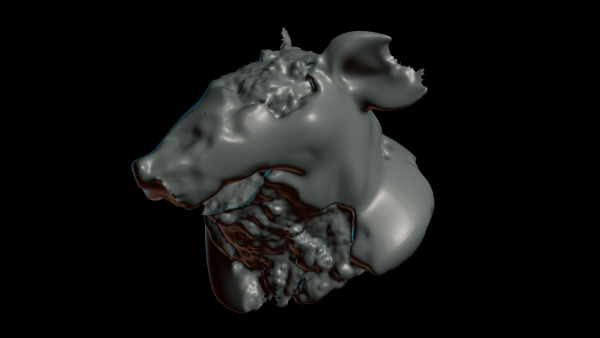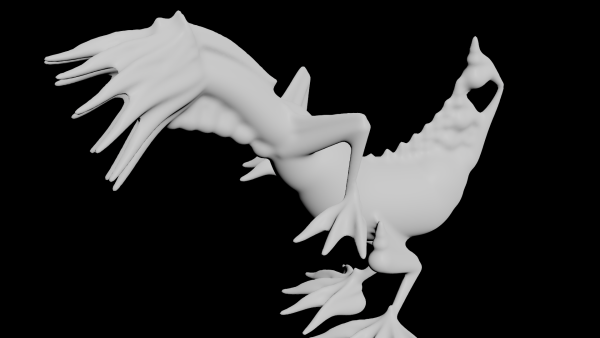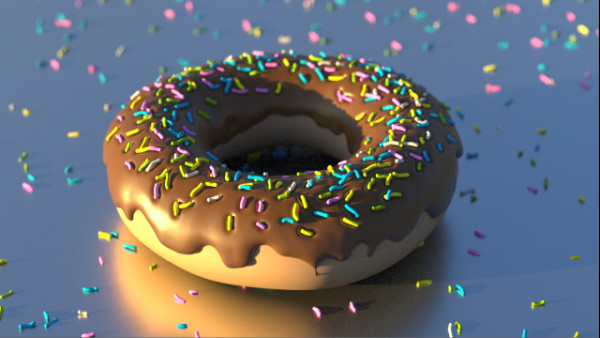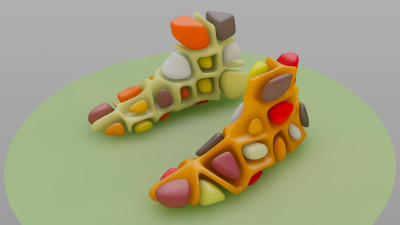
Converting a closed mesh into smooth voronoi cells and cell boundaries.
Voronoi cells in a volume, point cloud in second input.
        float radius = chf('radius');

int pts[] = nearpoints(1, v@P, 1e3);
vector pos_0 = point(1, 'P', pts[0]);
vector pos_1 = point(1, 'P', pts[1]);
float dist_0 = distance(v@P, pos_0);
float dist_1 = distance(v@P, pos_1);
float dist = dist_1 - dist_0;

f@surface = -min(dist - radius, -f@surface);
Replace the last line by this to invert for cell boundaries:
f@surface = max(dist - radius, f@surface);
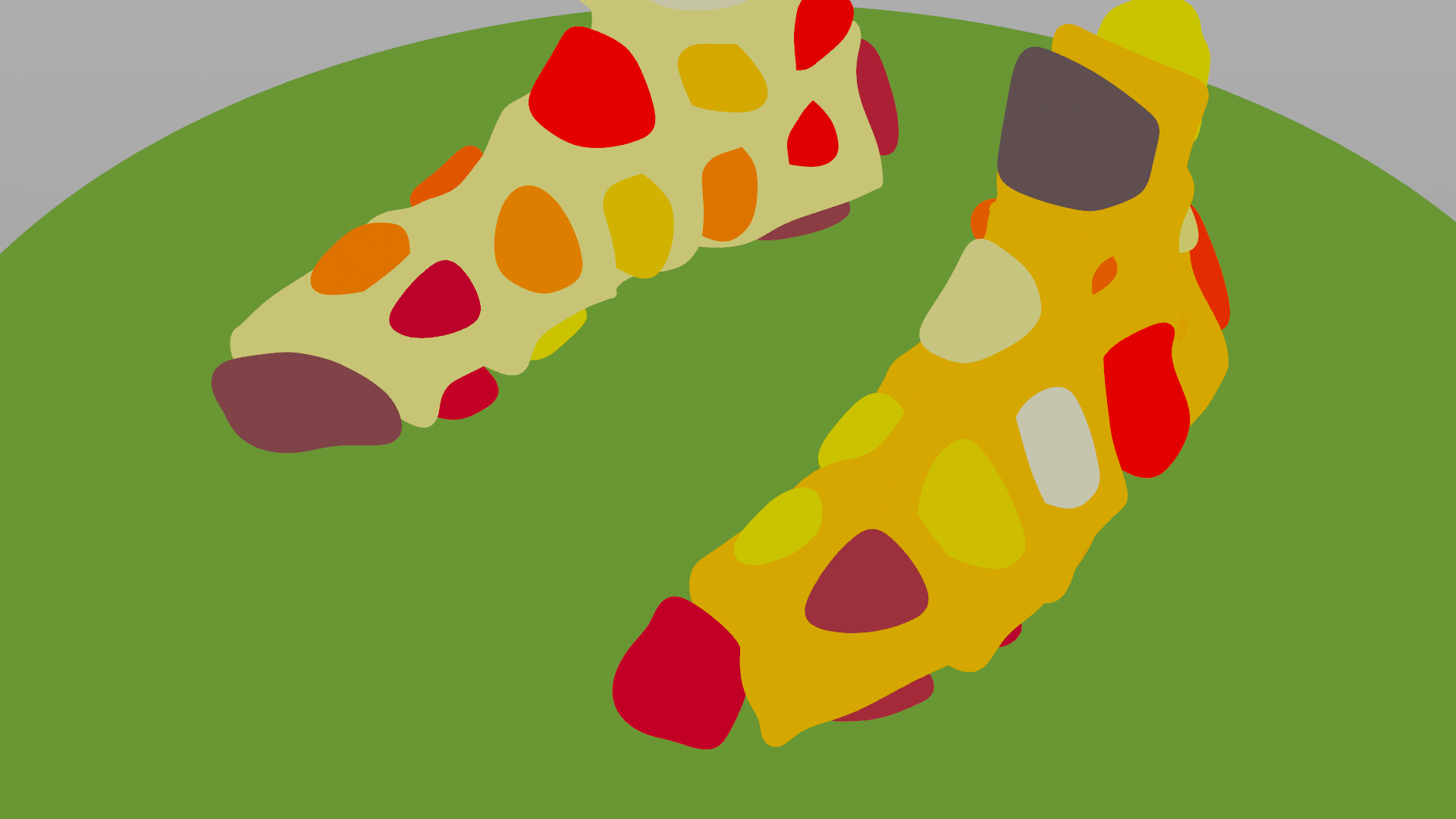
Let's shade the point colors using the mask by feature and the ray-node and a bit of color adjustments. The color can be set randomly per connected piece.
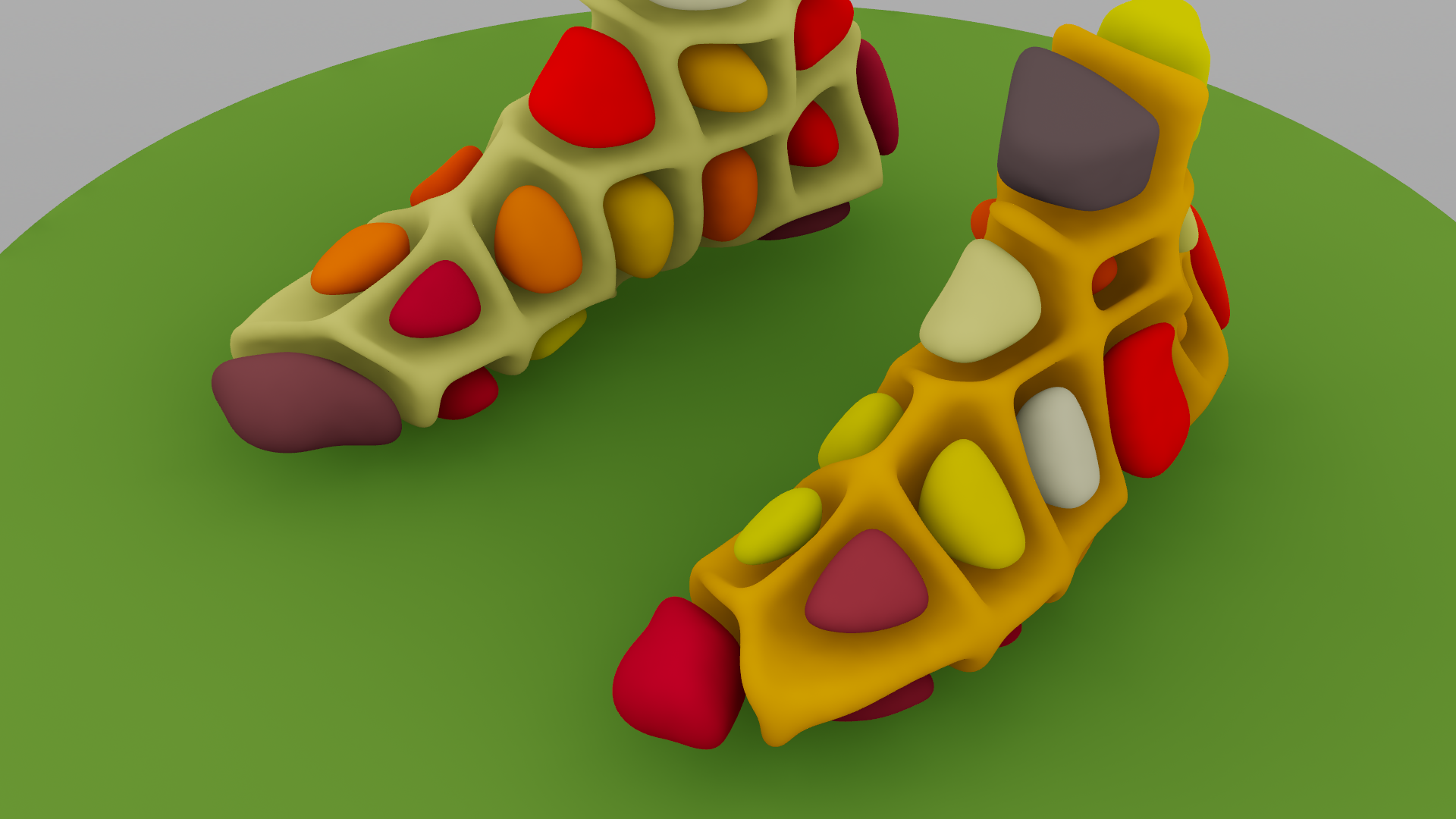
The mask from feature-node adds a blurred occlusion pass and a shadowmask for later use.
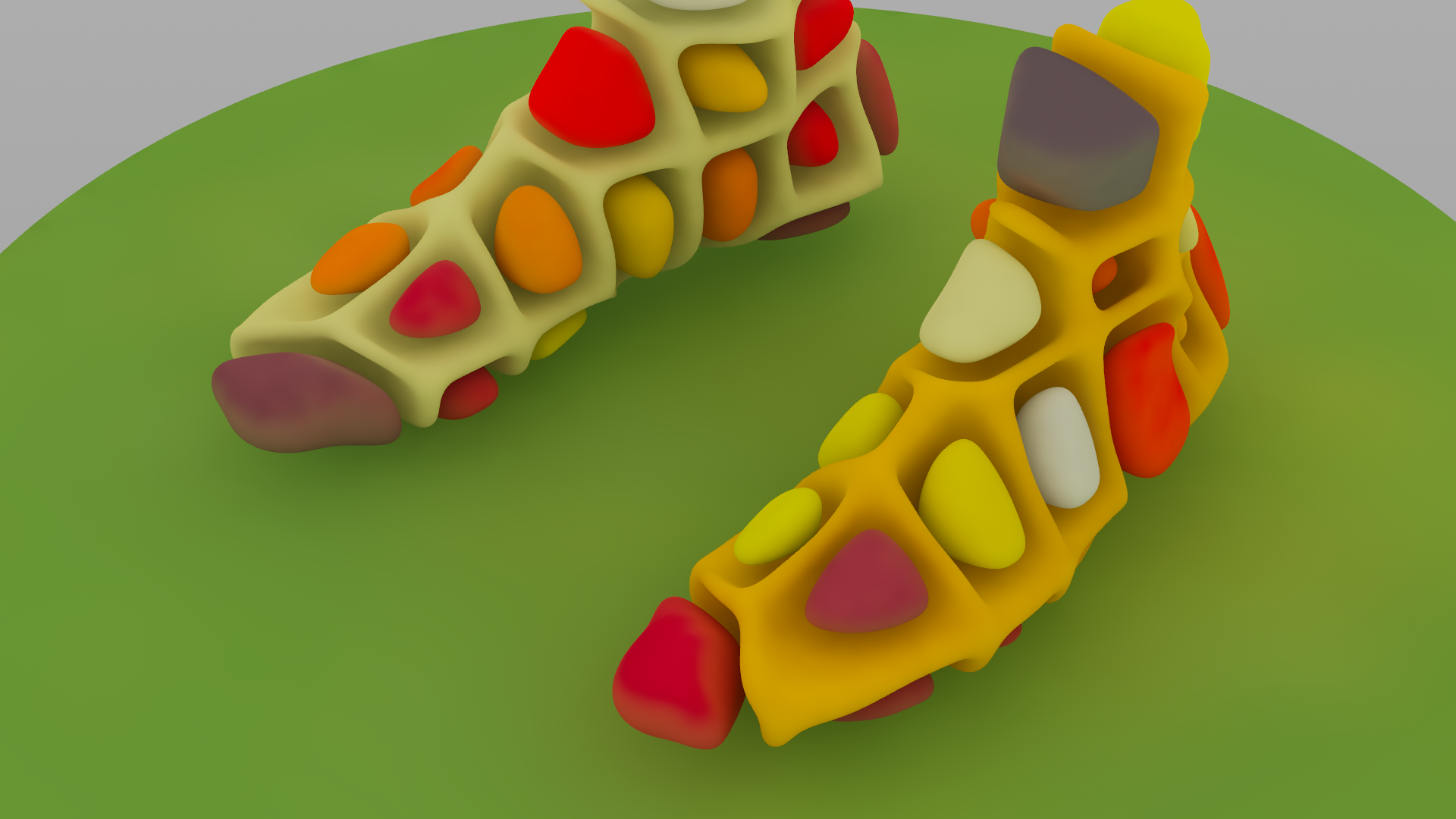
The ray node gathers surrounding surface colors along with ray distances for some fake Global Illumination.
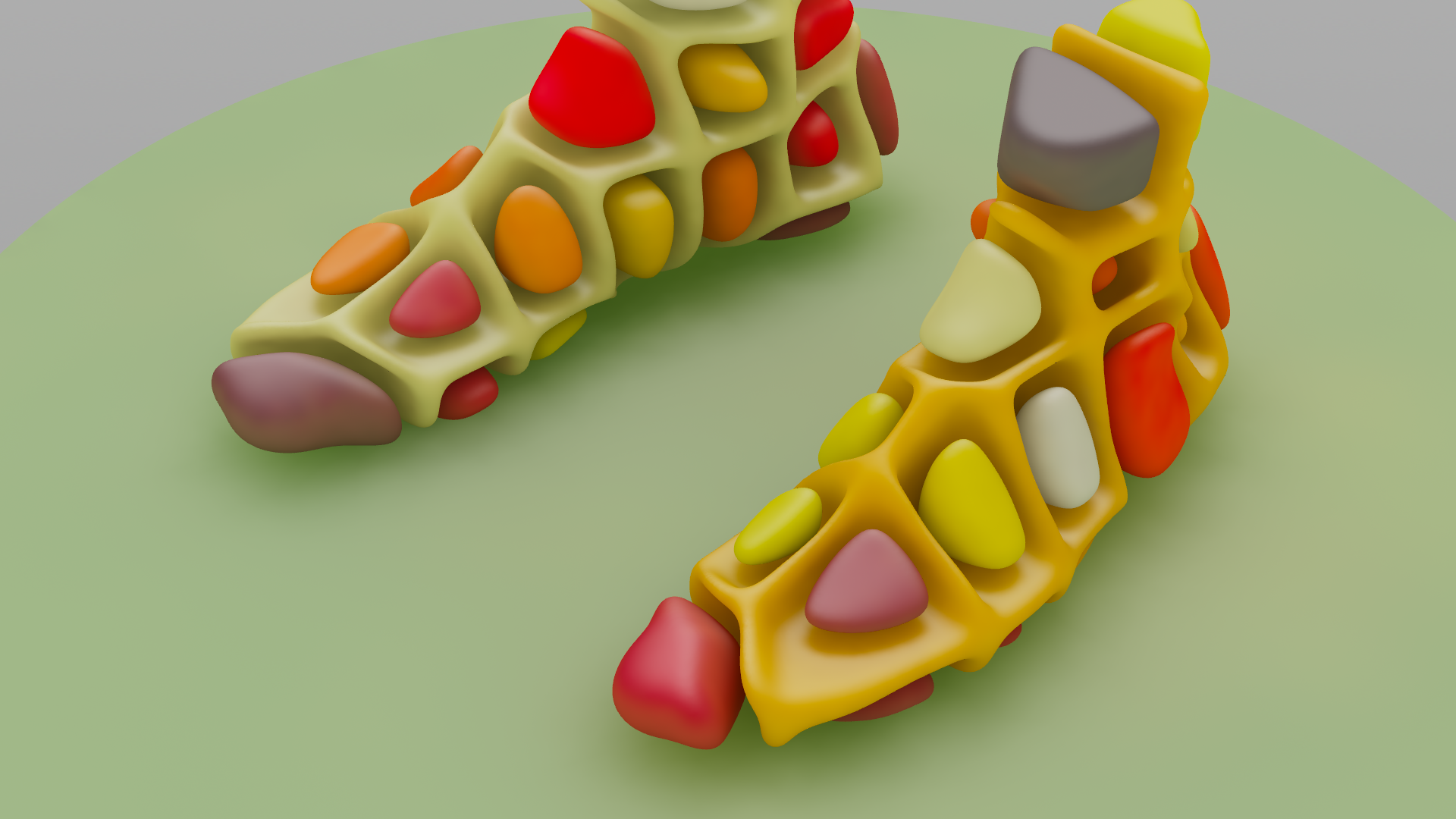
For glossiness we calculate the dot product of the surface normals and the up vector multiplied by the shadowmask for blocking.